Part of the Cursor AI Complete Guide (2026) series. This guide covers MCP setup, common integrations, and real multi-tool workflows.
What is MCP?
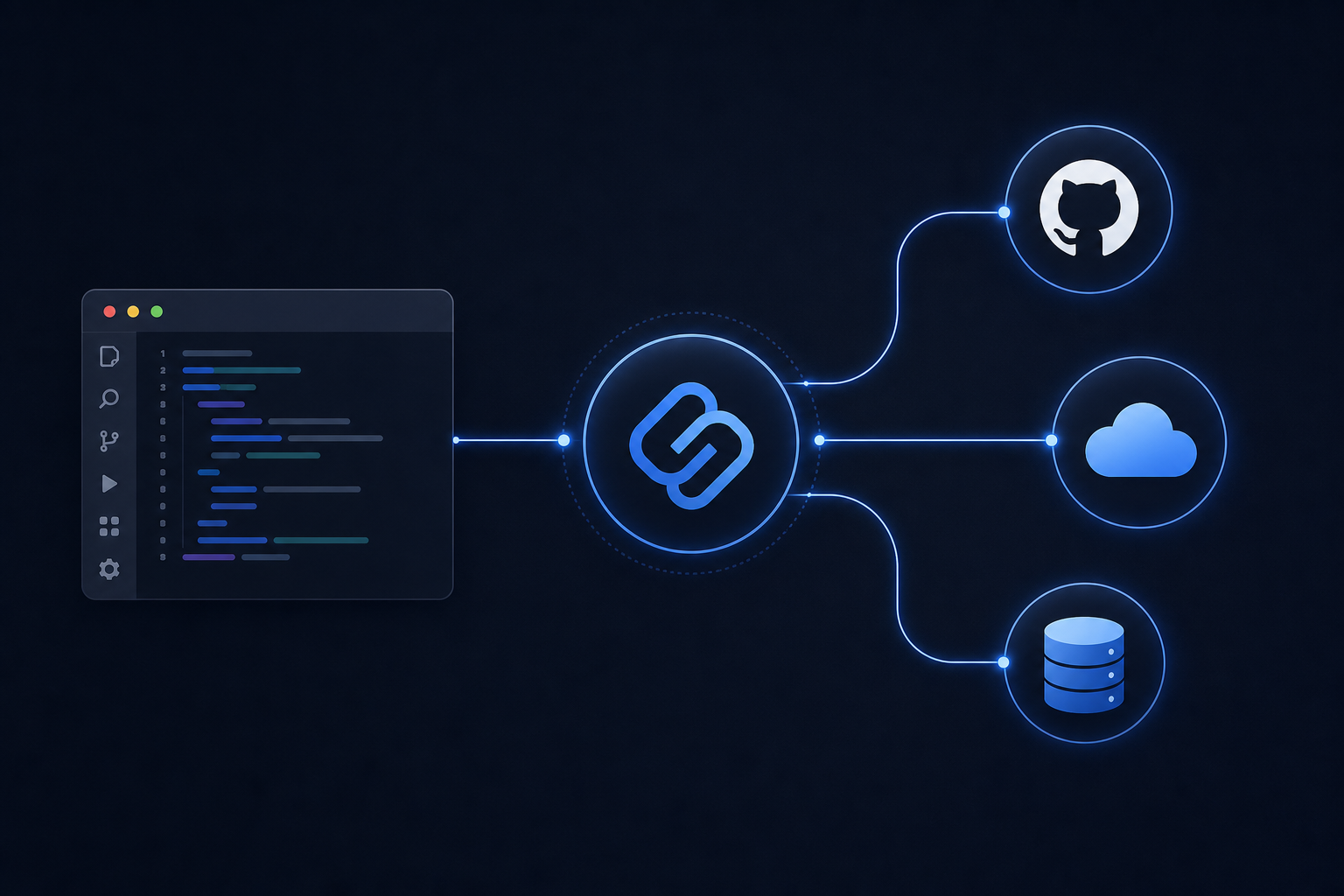
The Model Context Protocol (MCP) is a standard interface that allows AI assistants to communicate with external tools, services, and data sources.
Instead of limiting the Agent to files inside your repository, MCP enables interaction with:
- GitHub (pull requests, issues, repos)
- Linear, Jira, Notion
- PostgreSQL, Supabase, D1
- Cloudflare Workers, R2, Pages
- Figma, documentation systems
- Custom internal APIs
graph TB
    CA[Cursor Agent]
    CA --> GH[GitHub MCP]
    CA --> CF[Cloudflare MCP]
    CA --> DB[Database MCP]
    CA --> IT[Issue Tracker MCP]
    CA --> DOC[Docs Search MCP]
    GH --> GHAPI[GitHub API]
    CF --> CFAPI[Cloudflare API]
    DB --> SQL[SQL Queries]
Why MCP Matters
Without MCP:
Developer → Cursor → Repository OnlyWith MCP:
Developer → Cursor Agent → GitHub + Database + Cloudflare + JiraInstead of asking “open the README,” you can ask:
Review the latest GitHub pull request, compare it with the Jira ticket, update the documentation, and deploy the changes.
The Agent coordinates multiple tools as part of one workflow.
sequenceDiagram
    participant D as Developer
    participant A as Cursor Agent
    participant GH as GitHub
    participant J as Jira
    participant CF as Cloudflare
    D->>A: Review PR, update docs, deploy
    A->>GH: Fetch PR diff
    A->>J: Get ticket requirements
    A->>A: Update documentation files
    A->>CF: Trigger deployment
    A->>D: Summary of changes
Typical MCP Use Cases
| Workflow | Supported |
|---|---|
| GitHub Pull Requests | Included |
| Cloudflare Workers / Pages | Included |
| Database Queries | Included |
| Documentation Search | Included |
| Internal APIs | Included |
| Issue Tracking | Included |
| CI/CD Pipelines | Included |
| Design Systems (Figma) | Included |
How to Configure MCP in Cursor
MCP servers are configured in Cursor Settings → MCP (or via mcp.json in your project/user config depending on version).
General setup flow:
flowchart TD
    A[Choose MCP Server] --> B[Install / Configure Server]
    B --> C[Add to Cursor MCP Settings]
    C --> D[Authenticate if Required]
    D --> E[Test with /mcp list in CLI]
    E --> F[Use in Agent Prompts]
Example: GitHub MCP
Connect GitHub so the Agent can read PRs, issues, and repository metadata:
- Add the GitHub MCP server in Cursor settings.
- Authenticate with a personal access token or OAuth.
- Prompt: “List open PRs on this repo and summarize the largest change.”
Example: Cloudflare MCP
For teams on Cloudflare Pages or Workers:
- Configure Cloudflare MCP with API credentials.
- Prompt: “Check the latest deployment status for my Pages project.”
- Prompt: “Create a Worker route for
/api/healththat returns JSON.”
Example: Database MCP
Connect PostgreSQL or Supabase:
- Add database MCP with connection string (use env vars, never commit secrets).
- Prompt: “Show the schema for the users table and suggest indexes for email lookups.”
MCP in the CLI
Use /mcp list in the Cursor CLI to browse configured servers:
agent
/mcp list
Headless automation can invoke MCP-backed workflows:
agent -p "Review open GitHub issues labeled bug and summarize top 5 by comment count."See the Cursor CLI Complete Guide for headless patterns.
Security Considerations
- Never commit API keys in MCP config — use environment variables.
- Scope tokens minimally — read-only GitHub tokens when possible.
- Review Agent actions before approving destructive MCP operations.
- Use Privacy Mode when working with sensitive codebases.
- Audit MCP server sources — prefer official or well-maintained servers.
Multi-Tool Workflow Examples
PR Review + Documentation
Review PR #42 on GitHub. Compare changes against our AGENTS.md conventions.
Update the README if public API changed. List any security concerns.
Deploy Pipeline
Run tests locally. If they pass, summarize changes for a commit message,
push to the feature branch, and open a PR with a clear description.
Incident Triage
Search Linear for open P1 bugs related to authentication.
Cross-reference with recent commits in src/auth/. Suggest a fix priority order.
Troubleshooting
MCP server not appearing
Verify configuration in Settings, restart Cursor, and run /mcp list in CLI.
Authentication failures
Regenerate tokens, check expiry, and confirm scopes match required permissions.
Agent ignores MCP tools
Be explicit in prompts: “Use the GitHub MCP to fetch…” rather than assuming the Agent will choose the right tool.
Frequently Asked Questions
What is MCP in Cursor?
MCP (Model Context Protocol) is a standard for connecting Cursor’s Agent to external tools like GitHub, databases, and Cloudflare.
Do I need MCP for basic coding?
No. MCP extends the Agent beyond your repository. Basic editing, search, and terminal work without MCP.
Can I build custom MCP servers?
Yes. MCP is an open protocol. You can build servers for internal APIs and company tools.
Is MCP the same as Cursor plugins?
MCP is a standardized protocol; plugins may use MCP or other integration methods depending on the product.
Related Articles
- Best AI Coding Assistants (2026)
- Cursor AI Complete Guide (2026)
- Cursor Rules: Complete Guide (2026)
- Cursor CLI: Complete Guide (2026)
- Cursor Cloud Agents Explained (2026)
Last reviewed: July 2026